
WhatsApp is one of the most popular messaging applications worldwide, allowing users to send text messages, photos, videos, documents, and voice notes instantly. However, many users become curious when they see the notification “This message was deleted” in a chat.
Naturally, people wonder what the deleted message contained and whether it can still be viewed. In this guide, we’ll explain what the deleted message notification means, the possible ways to recover information, and what WhatsApp officially allows.
What Does “This Message Was Deleted” Mean in WhatsApp?
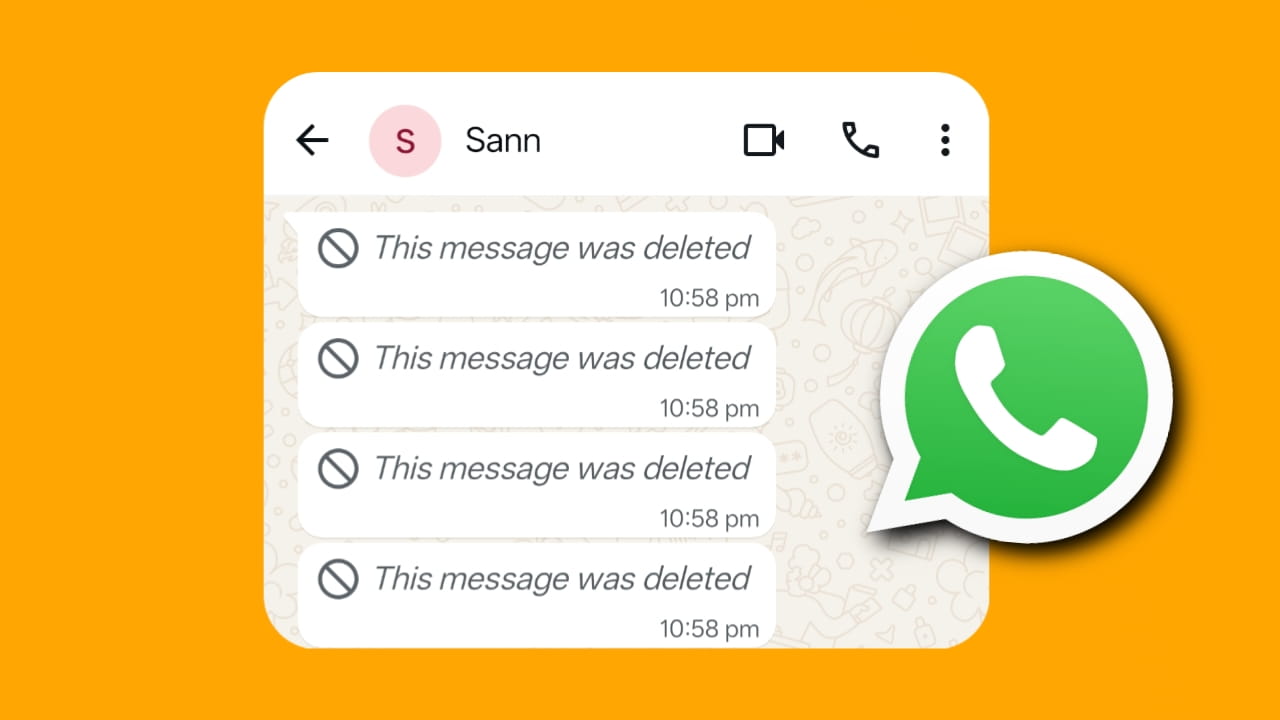
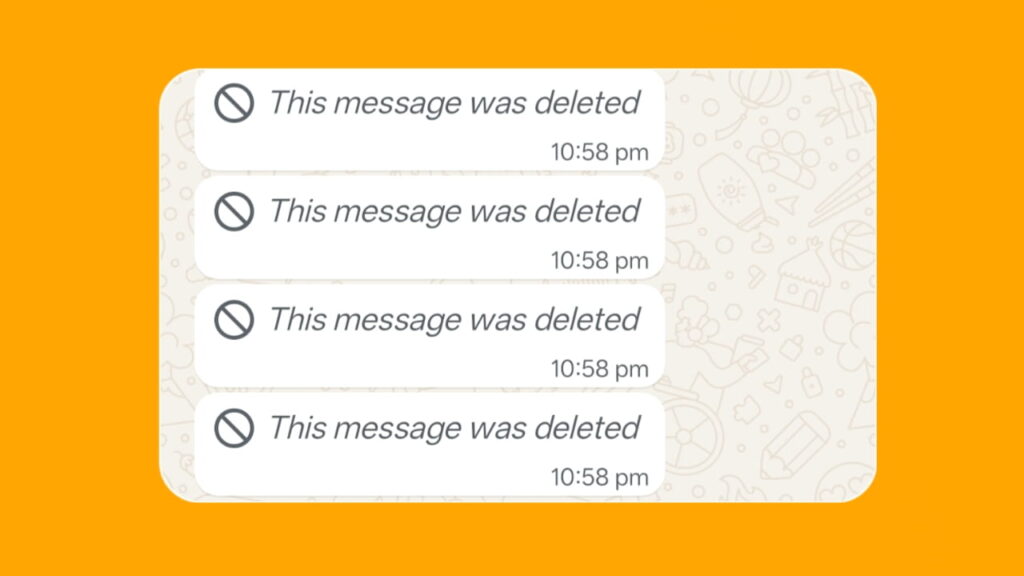
The message “This message was deleted” appears when a sender uses WhatsApp’s Delete for Everyone feature.
This feature allows the sender to remove a previously sent message from both their own chat and the recipient’s chat within WhatsApp. Instead of displaying the original content, WhatsApp replaces it with the notification:
“This message was deleted.”
The deleted message could have been text, an image, a video, a document, a sticker, or another type of content.
Can You See a Deleted WhatsApp Message?
WhatsApp does not provide an official feature that allows users to view a message after it has been deleted using the Delete for Everyone option.
However, depending on the situation, some information may still be available through notifications or backups.
1. Check Your Phone’s Notification History
If the message was received while your phone notifications were enabled, part or all of the message content may have appeared in the notification before it was deleted.
Some Android devices offer a notification history feature that stores recent notifications.
You may be able to:
- Open your device’s notification history.
- Check recent WhatsApp notifications.
- Review message previews that appeared before deletion.
Keep in mind that this method only works if the notification was received before the sender deleted the message.
2. Wait if the Message is Still Loading
In rare situations involving slow internet connections or synchronization delays, media files such as images or videos may continue loading even after a deletion notice appears.
If a file was partially downloaded before deletion, some content may still be available locally on the device.
However, this is not guaranteed and depends on how the message was delivered before deletion occurred.
3. Contact WhatsApp Support
If you believe a deleted message is related to a technical issue, account problem, or missing media caused by app errors, you can contact WhatsApp Support through the Help section.
However, WhatsApp generally does not provide copies of deleted messages or restore content removed using the Delete for Everyone feature.
Support may assist with technical concerns but typically cannot reveal deleted message contents.
4. Ask the Other Person About the Deleted Message
The simplest and most reliable method is often to ask the sender directly.
Many deleted messages are removed because of:
- Typing mistakes
- Wrong recipients
- Duplicate messages
- Accidental sends
- Outdated information
The sender may simply resend the message or explain what was deleted.
Why Do People Delete WhatsApp Messages?
Users delete messages for many reasons, including:
- Correcting Mistakes: A sender may notice a spelling mistake or incorrect information after sending a message.
- Sent to the Wrong Person: Messages are sometimes accidentally sent to the wrong chat or group.
- Privacy Concerns: Users may delete sensitive or personal information after realizing it was shared unintentionally.
- Duplicate Messages: Internet issues occasionally cause duplicate messages to be sent.
Is It Safe to Use Third-Party Apps to Read Deleted Messages?
Many websites and apps claim they can recover deleted WhatsApp messages.
Before using such tools, consider the following:
- They may require access to personal notifications.
- They may collect user data.
- They may violate privacy expectations.
- They are not officially supported by WhatsApp.
For security and privacy reasons, it is generally recommended to use only official WhatsApp features.
Also Read:
- WhatsApp Account in Review Problem Solution (2026): Complete Guide to Fix the Issue
- How to Recover WhatsApp Deleted Photos and Videos (2026 Guide)
- How to Fix “You Need the Official WhatsApp Messenger to Log In” Problem
Tips to Avoid Missing Important Messages
To reduce the chance of losing important information:
- Keep WhatsApp notifications enabled.
- Maintain regular chat backups.
- Read important messages promptly.
- Save critical information elsewhere when needed.
- Ask senders to resend important messages if they delete them.
(FAQs)
1. Can I officially see a deleted WhatsApp message?
No. WhatsApp does not provide an official feature that allows users to view a message after it has been deleted using Delete for Everyone.
2. What does “This message was deleted” mean?
It means the sender used WhatsApp’s Delete for Everyone feature to remove a message from the chat.
3. Can WhatsApp Support show me deleted messages?
Generally, no. WhatsApp Support does not provide copies of messages deleted by users.
4. Can notification history help me view deleted messages?
Sometimes. If the message appeared in a notification before being deleted, part of the content may still exist in your device’s notification history.
5. Why do people delete WhatsApp messages?
Common reasons include sending messages by mistake, correcting errors, protecting privacy, or removing duplicate content.
Final Thoughts
Seeing the “This message was deleted” notification in WhatsApp naturally creates curiosity, but WhatsApp intentionally hides the original content once the sender uses the Delete for Everyone feature. While notification history or previously received previews may occasionally provide clues, there is no official WhatsApp feature that reveals deleted messages after removal.