
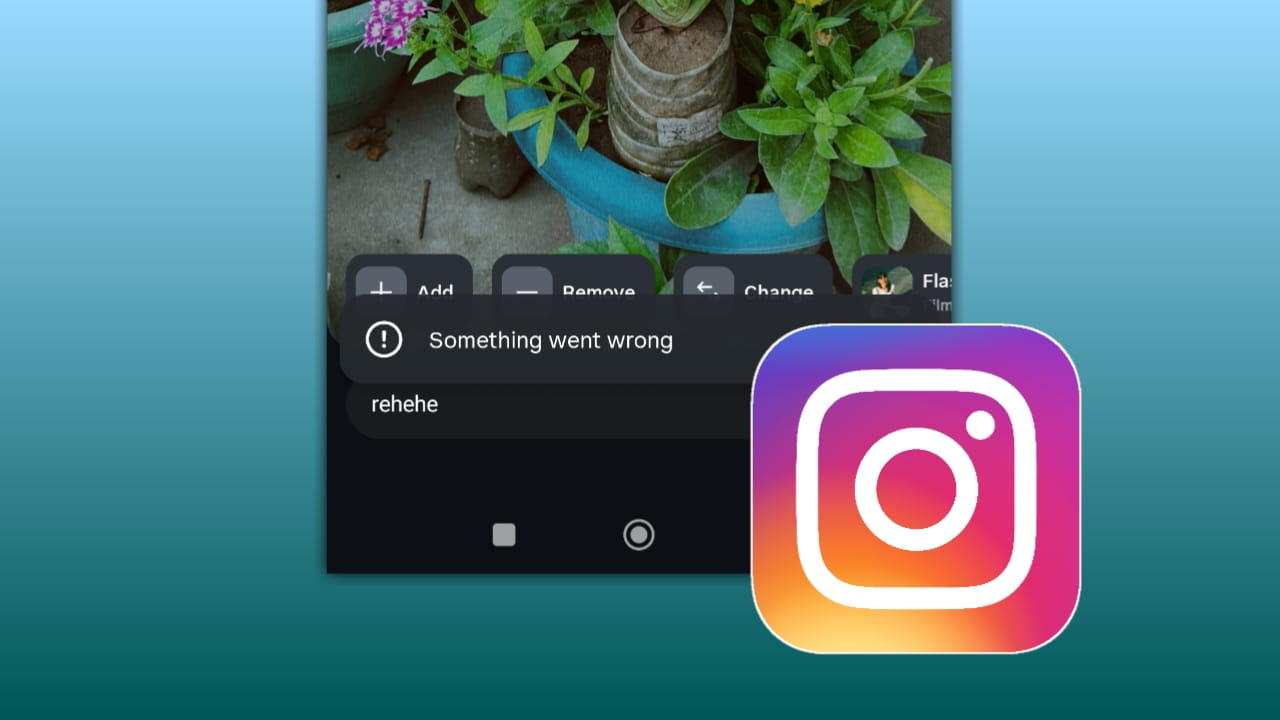
Instagram keeps adding new AI-powered features to make Stories more creative and interactive. One of the latest features users are noticing is the Instagram Restyle feature. However, many people are currently facing the “Something went wrong” error while trying to use it.
If you are also seeing this issue, don’t worry. In this article, we will explain what the Instagram Restyle feature is, why the error appears, and how you can fix it easily.
What is Instagram Restyle Feature?
Instagram Restyle is a new AI-based Story editing feature that helps users transform their photos into different creative styles automatically.
With the help of AI, Instagram can change the look of your Story photo in just a few seconds. For example, it can turn your normal image into:
- Cartoon style
- Anime look
- Artistic painting
- Fantasy theme
- Vintage effect
- Cinematic style
The feature is mainly designed to make Stories more attractive without needing professional photo editing skills.
Instagram is slowly rolling out this feature to users worldwide, which is why some people already have access while others still do not.
Why Users Are Facing “Something Went Wrong” in Instagram Story Restyle?
Many users are reporting that when they try to use the Restyle feature, Instagram shows a message saying:
“Something went wrong. Please try again later.”
This problem usually happens because the feature is still new and not fully stable for every device and account.
There can be multiple reasons behind this error.
1. Application Update Problem
One of the biggest reasons is using an outdated version of Instagram.
New AI features like Restyle usually work only on the latest app version. If your app is old, some features may not load properly and can show errors.
Install Latest Updated Instagram
How to Fix It
- Open the Google Play Store or Apple App Store
- Search for Instagram
- Check if a new update is available
- Install the latest version
- Restart your phone
- Open Instagram again and test the feature
In many cases, simply updating the app fixes the issue instantly.
2. Report the Problem to Instagram
Sometimes the issue is not from your side.
Because the Restyle feature is still being tested in many regions, Instagram servers may temporarily fail or the feature may not work properly on some accounts.
In that case, reporting the issue directly to Instagram can help.
How to Report the Error
1. Open Instagram
2. Go to your Profile
3. Tap the three lines menu
4. Open Settings and Privacy
5. Scroll down and tap Help
6. Select Report a Problem
7. Explain the issue clearly
You can write something simple like:
“Instagram Story Restyle feature shows ‘Something went wrong’ every time I try to use it.”
Instagram may fix the issue in future updates after collecting user reports.
Other Possible Reasons Behind the Error
Apart from updates and server problems, there are a few more possible reasons:
Weak Internet Connection
AI features need a stable internet connection to process images. Slow internet can interrupt the Restyle process.
Feature Not Available in Your Region
Instagram often releases new features gradually. Your account may not have full access yet.
Account-Specific Bug
Sometimes a feature works on one Instagram account but not on another account on the same phone.
Cache Problems
Corrupted app cache can also create temporary issues.
You can try:
- Clearing Instagram cache
- Logging out and logging in again
- Restarting your device
Benefits of Restyle Feature on Instagram Story
The Restyle feature is becoming popular because it saves time and makes Story creation easier for normal users and creators.
Here are some major benefits:
1. AI Editing Without Extra Apps: You do not need third-party editing applications anymore. Instagram itself can create stylish effects instantly.
2. Better Story Engagement: Creative Stories usually attract more views, replies, and reactions. Restyle helps make Stories look more unique and eye-catching.
3. Fast Content Creation: Instead of spending hours editing photos manually, users can create attractive Story visuals in seconds.
4. Helpful for Content Creators: Creators, influencers, and bloggers can quickly test different visual styles for their audience using AI.
5. Fun and Creative Experience: The feature adds a fun element to Stories by allowing users to experiment with different themes and artistic looks.
Final Words
The Instagram Restyle feature is one of the latest AI-powered additions to Instagram Stories. It allows users to transform normal images into creative styles quickly and easily.
However, because the feature is still rolling out, many users are currently facing the “Something went wrong” error.
In most cases, updating the app, restarting the device, or reporting the issue to Instagram can solve the problem. If the feature is unavailable in your region, you may simply need to wait for a future update.
As Instagram continues improving AI tools, features like Restyle are expected to become more stable and widely available for everyone.