
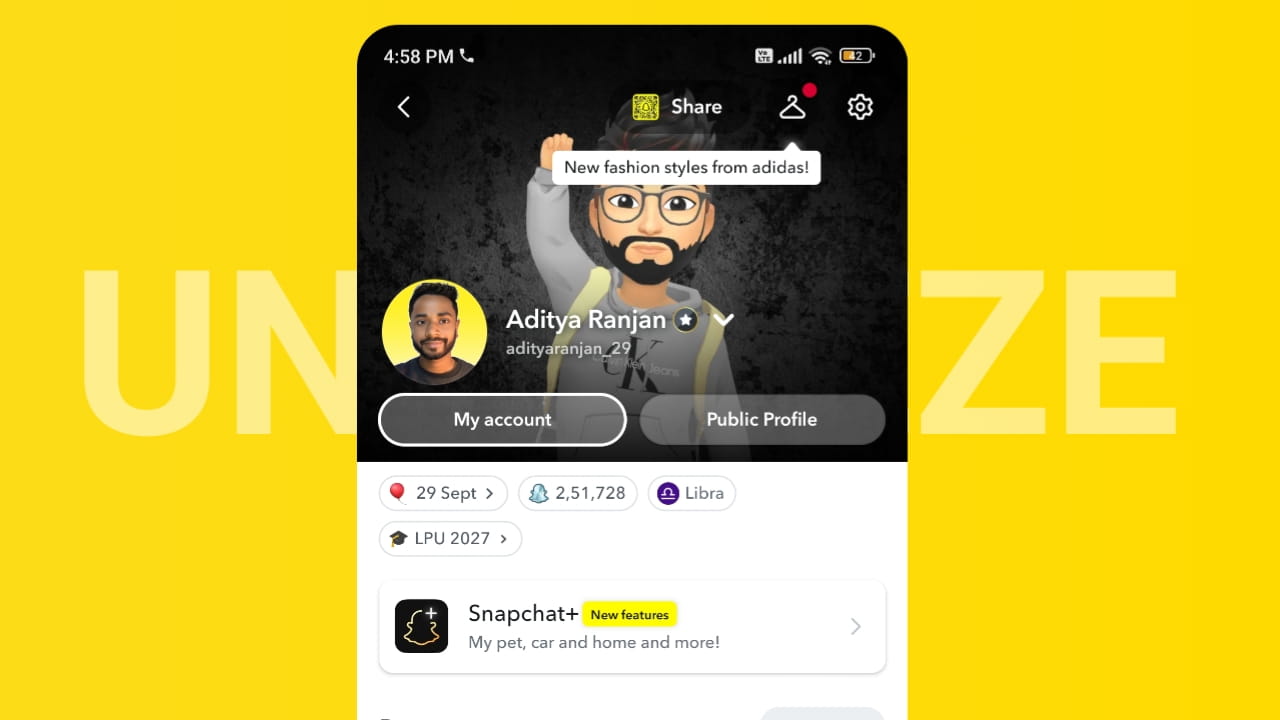
Many Snapchat users notice a sudden drop in engagement where followers stop increasing, story views drop, or new people stop discovering their account. This situation is often described as a Snapchat account freeze. While Snapchat does not officially call it a “freeze,” certain activities can temporarily limit account reach or growth.
Below is a practical guide to understand why your Snapchat followers are not increasing and how you can fix it.
Why Snapchat Followers Are Not Increasing
Several common reasons can cause a slowdown in Snapchat growth.
1. Too Many Friend Requests Sent Quickly
Sending a large number of friend requests in a short time may trigger Snapchat’s spam detection system. When this happens, the platform may temporarily limit your account’s ability to grow.
2. Low Engagement on Stories
If your stories receive very few replies, screenshots, or reactions, Snapchat’s algorithm may show your content to fewer people.
3. Repetitive or Low-Quality Content
Posting the same type of content repeatedly can reduce audience interest, which affects reach and follower growth.
4. Using Third-Party Growth Tools
Automation tools that add friends or send messages automatically can cause account limitations.
5. Inactive Account Behavior
If you stop posting for several days or weeks, your account visibility may decrease.
6. Suspicious Login Activity
Logging in from multiple devices or locations in a short period can trigger temporary security restrictions.
How to Unfreeze Snapchat Account
If you feel your Snapchat account growth has stopped, try these proven methods to restore normal activity.
1. Reduce Activity for 24–48 Hours
Take a short break from sending friend requests, messaging unknown users, or adding large numbers of people.
2. Post High-Quality Stories
Focus on engaging stories such as daily updates, interesting moments, or entertaining clips that encourage viewers to interact.
3. Avoid Mass Friend Adding
Add people gradually instead of sending many requests at once.
4. Remove Third-Party Apps
If you are using automation tools or unauthorized apps, disconnect them immediately.
5. Verify Your Account Information
Make sure your email and phone number are verified for better account trust.
6. Stay Consistent
Post regularly but naturally. Consistency helps Snapchat recognize active accounts.
To Find the exact cause of your Snapchat account freeze issue use “Snapchat Account Unfreeze Tool“
Tips to Increase Snapchat Followers After Unfreeze
Once your account starts performing normally again, use these growth strategies.
Create Engaging Stories
Use polls, questions, and reactions to encourage viewers to interact with your content.
Post at the Right Time
Upload stories when your audience is most active, usually evening hours.
Promote Your Snapchat on Other Platforms
Share your Snapchat username on social media like Instagram, WhatsApp, or YouTube.
Collaborate With Friends or Creators
Cross-promotion with other Snapchat users can increase exposure.
Use Authentic Content
Natural and relatable content tends to attract more followers than overly promotional posts.
FAQs
1. Why did my Snapchat followers suddenly stop increasing?
This usually happens due to low engagement, excessive friend requests, or activity that appears spam-like to Snapchat’s system.
2. How long does Snapchat account freeze last?
In many cases, temporary restrictions may last 24 hours to a few days, depending on the activity that triggered them.
3. Can third-party apps freeze a Snapchat account?
Yes. Automation tools or unauthorized apps may cause restrictions or reduced account reach.
4. Will deleting and reinstalling Snapchat fix the issue?
Reinstalling the app can fix technical problems, but engagement drops are usually related to account activity patterns.
5. What is the fastest way to grow Snapchat followers again?
Post engaging stories regularly, interact with viewers, avoid spam behavior, and promote your Snapchat on other platforms.