
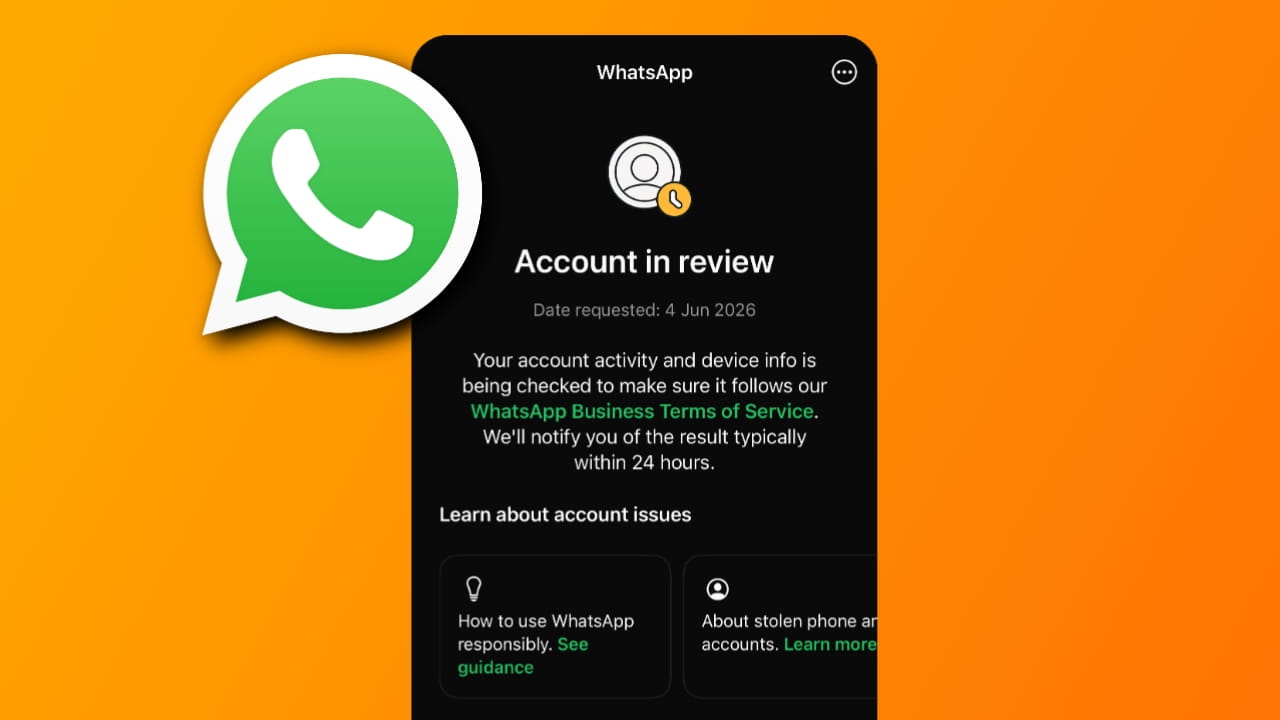
WhatsApp is one of the most widely used messaging applications worldwide. Millions of users rely on it daily for personal communication, business conversations, and sharing important information. However, some users suddenly encounter a message saying “Account in Review”, which can be confusing and stressful, especially when access to chats and contacts becomes limited.
In this guide, we will explain what the WhatsApp Account in Review status means, why it happens, and the practical steps you can take to resolve the issue in 2026.
What is WhatsApp Account in Review?
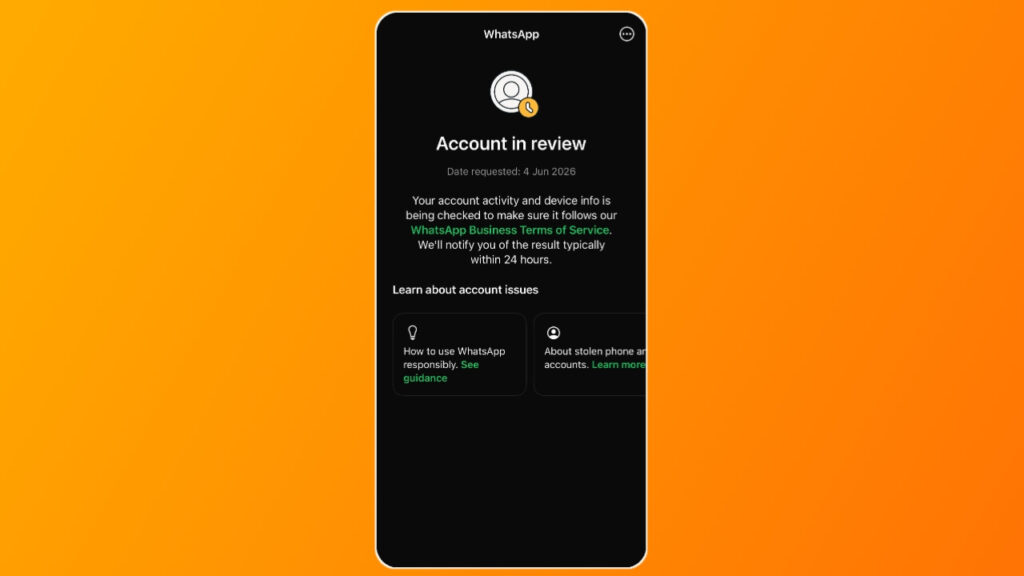
The WhatsApp Account in Review status appears when WhatsApp temporarily restricts an account and begins reviewing it for possible violations of its policies and terms of service.
During this review process, WhatsApp’s systems check whether the account has been involved in activities that may be considered suspicious, abusive, or against platform guidelines. The review can be automatic or triggered after reports from other users.
Being under review does not always mean you have intentionally violated WhatsApp’s rules. In some cases, legitimate users may also face this issue due to unusual account activity or system errors.
Why Am I Facing the WhatsApp Account in Review Problem?
Several factors can cause WhatsApp to place an account under review. Some of the most common reasons include:
1. Sending Too Many Messages in a Short Time
If you send a large number of messages rapidly, especially to people who are not in your contact list, WhatsApp may identify the activity as spam-like behavior.
2. Using Unauthorized WhatsApp Mods
Applications such as modified versions of WhatsApp may violate WhatsApp’s terms of service. Using unofficial apps can increase the chances of account restrictions or reviews.
3. Multiple User Reports
When several users report an account for spam, unwanted messages, scams, or inappropriate content, WhatsApp may automatically initiate a review process.
4. Suspicious Account Activity
Frequent device changes, unusual login attempts, or activity that appears automated can trigger security checks.
5. Violation of WhatsApp Policies
Sharing harmful, misleading, fraudulent, or prohibited content may result in account review or temporary restrictions.
6. Automated Messaging Tools
Using bots, bulk messaging software, or unauthorized automation tools can cause WhatsApp’s systems to flag the account.
How to Fix WhatsApp Account in Review Issue?
If your WhatsApp account is currently under review, follow these steps:
1. Wait for the Review Process to Complete: In many cases, WhatsApp completes the review automatically. Avoid repeatedly reinstalling the app or creating multiple appeals, as this may not speed up the process.
2. Submit a Review Request: If WhatsApp provides an option to request a review, submit your appeal through the app. Clearly explain that you believe the restriction was applied by mistake if you have not violated any policies. You can also appeal through whatsapp’s official support page.
Appeal description Template for Whatsapp account in REVIEW
Dear Whatsapp support, i have appealed for my WhatsApp account, but even 24 hours passed, there is just showing, account in review. Kindly fix this or do a manual review.
3. Use the Official WhatsApp Application: Make sure you are using the official WhatsApp app downloaded from trusted sources such as Google Play Store or Apple App Store. Uninstall any modified versions if present.
4. Update WhatsApp: Running an outdated version may sometimes create technical issues. Install the latest available update and restart your device.
5. Avoid Spam-Like Activity: Reduce mass messaging, repetitive forwarding, and sending unsolicited messages to unknown users.
6. Check Internet Connectivity: Although not always the cause, a stable internet connection can help ensure review requests and account status updates are processed correctly.
7. Contact WhatsApp Support: If the review remains unresolved for an unusually long period, you can contact WhatsApp Support through the Help section within the application.
Also Read:
- How to Fix “You Need the Official WhatsApp Messenger to Log In” Problem
- How to Fix WhatsApp “Account Can No Longer Use” Problem
- WhatsApp Account Banned Solution | How to Fix WhatsApp Account Ban
Tips to Prevent WhatsApp Account Review Issues
To reduce the chances of future account reviews:
- Use only the official WhatsApp application.
- Avoid sending bulk or repetitive messages.
- Do not use automation tools without authorization.
- Follow WhatsApp’s terms and policies.
- Communicate respectfully with other users.
- Avoid sharing misleading or suspicious content.
- Keep your app updated regularly.
FAQs
1. How long does a WhatsApp account review take?
Most WhatsApp account reviews are completed within a few hours to a few days. However, the exact duration depends on the complexity of the review and the reason the account was flagged.
2. What happens if your WhatsApp account is under review?
When your account is under review, WhatsApp temporarily evaluates your activity. Some features may be restricted until the review process is completed.
3. How long does WhatsApp take to review unban requests?
Review times vary. Some users receive a response within 24 to 48 hours, while others may need to wait several days depending on the case and support workload.
4. Does WhatsApp unban after review?
Yes, if WhatsApp determines that the account did not violate its policies or that the restriction was applied incorrectly, access may be restored after the review. However, confirmed violations may lead to continued restrictions or permanent bans.
5. What happens after a WhatsApp review?
After the review, WhatsApp typically makes one of two decisions: restore normal access to the account or maintain restrictions if policy violations are confirmed. Users are usually informed of the outcome within the application.
Final Thoughts
The WhatsApp Account in Review message can be frustrating, especially if you depend on WhatsApp for daily communication. Fortunately, many review cases are temporary and are resolved after WhatsApp completes its verification process. Using the official application, following platform guidelines, and avoiding spam-like behavior can significantly reduce the risk of facing this issue again.
If your account is currently under review, remain patient, submit a review request if available, and ensure your account activity complies with WhatsApp’s policies. In most situations, legitimate users regain access once the review process is completed.