
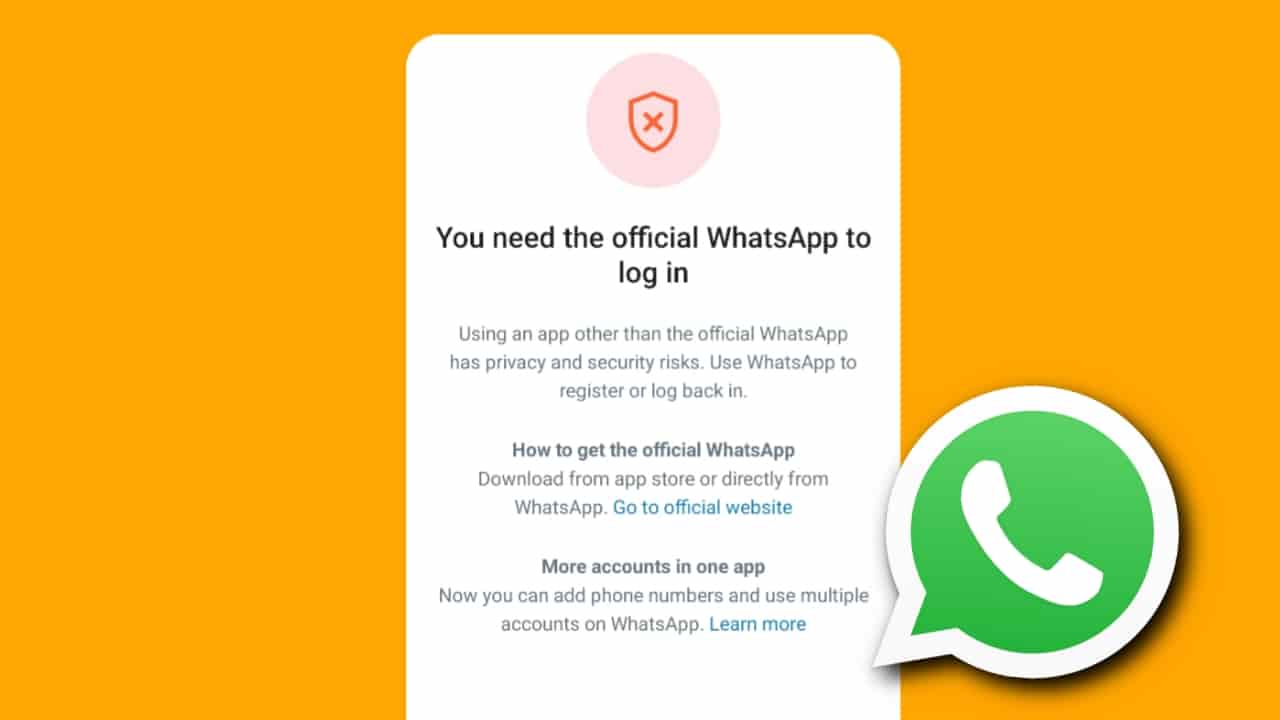
Many WhatsApp users encounter the error message “You need the official WhatsApp Messenger to log in” while trying to access their accounts. This issue usually occurs when WhatsApp detects an unofficial or modified version of the app, or when there is a problem verifying the installed application. Fortunately, there are several ways to fix this issue and regain access to your account.
What Is the “You Need the Official WhatsApp Messenger to Log In” Problem?
This error message appears when WhatsApp believes that you are not using the official version of the application. It commonly affects users who have installed modified WhatsApp apps or those experiencing app verification issues.
Common causes include:
- Using unofficial apps such as GB WhatsApp, WhatsApp Plus, or FM WhatsApp.
- Corrupted WhatsApp installation files.
- Outdated WhatsApp application.
- Temporary software glitches on the device.
- Account verification issues.
How to Fix the “You Need the Official WhatsApp Messenger to Log In” Problem
1. Update Your WhatsApp Application
Using the latest version of WhatsApp can resolve compatibility and verification issues.
Steps:
- Open the Google Play Store or Apple App Store.
- Search for WhatsApp.
- Check for available updates.
- Install the latest version.
- Open WhatsApp and try logging in again.
If you are using a modified version of WhatsApp, uninstall it and install the official app from the app store.
2. Appeal to WhatsApp Customer Support
If you are already using the official app and still see the error, contact WhatsApp support.
Steps:
- Open WhatsApp.
- Tap the support or help option if available.
- Explain the issue in detail.
- Submit your request for review.
You can also contact WhatsApp through its official support channels and provide your registered phone number.
3. Restart Your Phone
A simple restart can fix temporary software bugs that may prevent WhatsApp from verifying your installation.
Steps:
- Turn off your phone completely.
- Wait for 30 seconds.
- Turn the device back on.
- Open WhatsApp and attempt to log in again.
How to Avoid the “You Need the Official WhatsApp Messenger to Log In” Problem
Follow these tips to prevent this issue in the future:
- Always use the official WhatsApp application.
- Avoid downloading modified WhatsApp versions.
- Keep WhatsApp updated to the latest version.
- Install apps only from trusted sources such as the Google Play Store or Apple App Store.
- Restart your phone regularly to maintain system stability.
- Keep your device software updated.
Also Read:
- How to Fix WhatsApp “Account Can No Longer Use” Problem
- WhatsApp Account Banned Solution | How to Fix WhatsApp Account Ban
Frequently Asked Questions (FAQs)
1. Why am I seeing the “You Need the Official WhatsApp Messenger to Log In” message?
This message usually appears when WhatsApp detects an unofficial version of the app or encounters a verification problem.
2. Can I use GB WhatsApp and still log in to WhatsApp?
No. WhatsApp may block access for users running unofficial versions such as GB WhatsApp, FM WhatsApp, or WhatsApp Plus.
3. Will updating WhatsApp fix the problem?
In many cases, yes. Updating to the latest official version can resolve compatibility and verification issues.
4. Does restarting my phone really help?
Yes. Restarting the device can clear temporary glitches that may interfere with WhatsApp’s verification process.
5. What should I do if the problem continues after installing the official app?
Contact WhatsApp Customer Support and request assistance. Provide details about your device and the error message you are receiving.
Conclusion
The “You Need the Official WhatsApp Messenger to Log In” error usually occurs when WhatsApp detects an unofficial app or experiences a verification issue. Updating WhatsApp, contacting customer support, and restarting your phone are effective ways to solve the problem. To avoid this issue in the future, always use the official WhatsApp application and keep it updated.
1 thought on “How to Fix “You Need the Official WhatsApp Messenger to Log In” Problem”